# BeikeShop Upgrade Tutorial
For non-developers
1.Go to the official website Download Center (opens new window) to download the latest version of BeikeShop
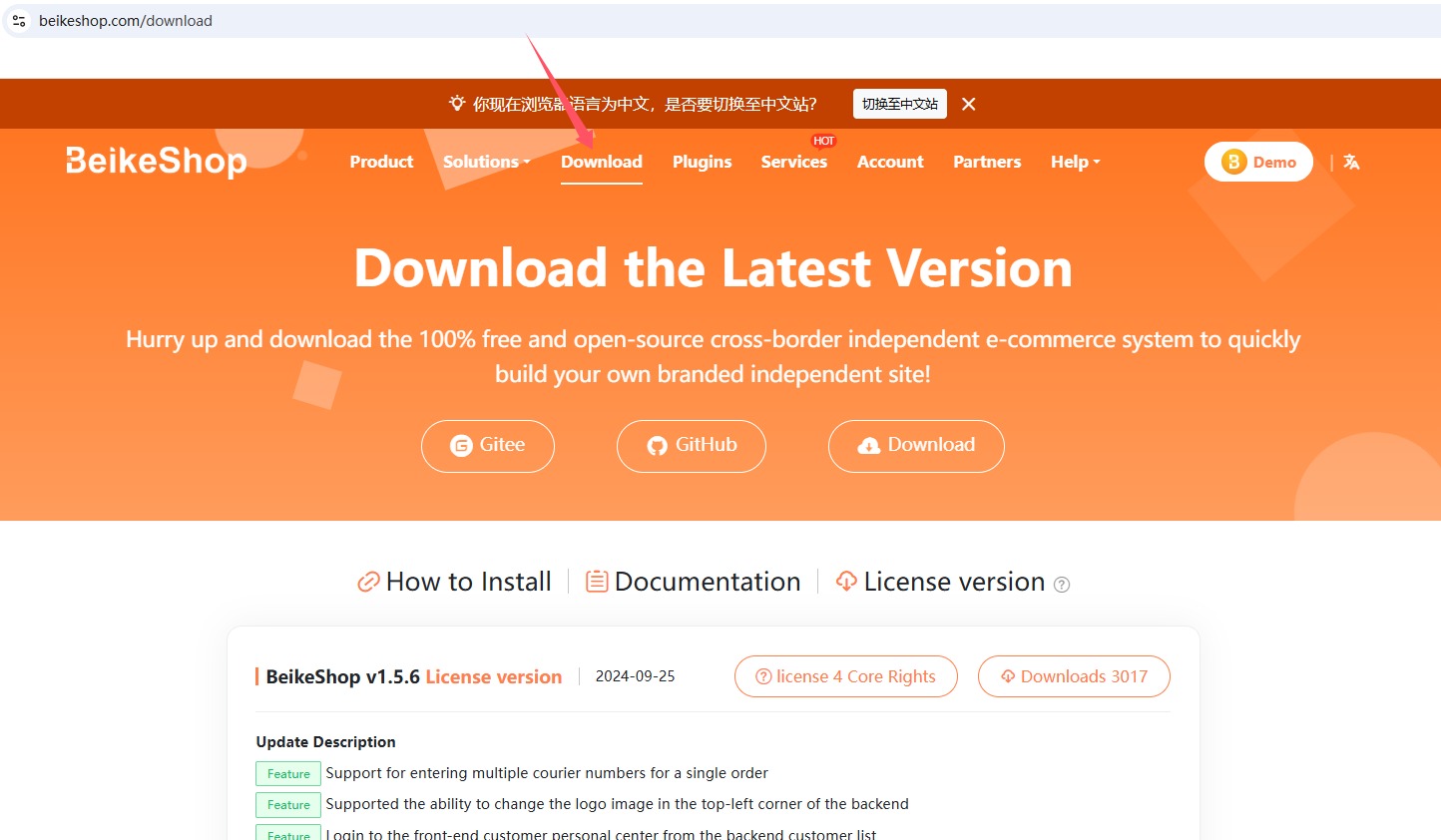
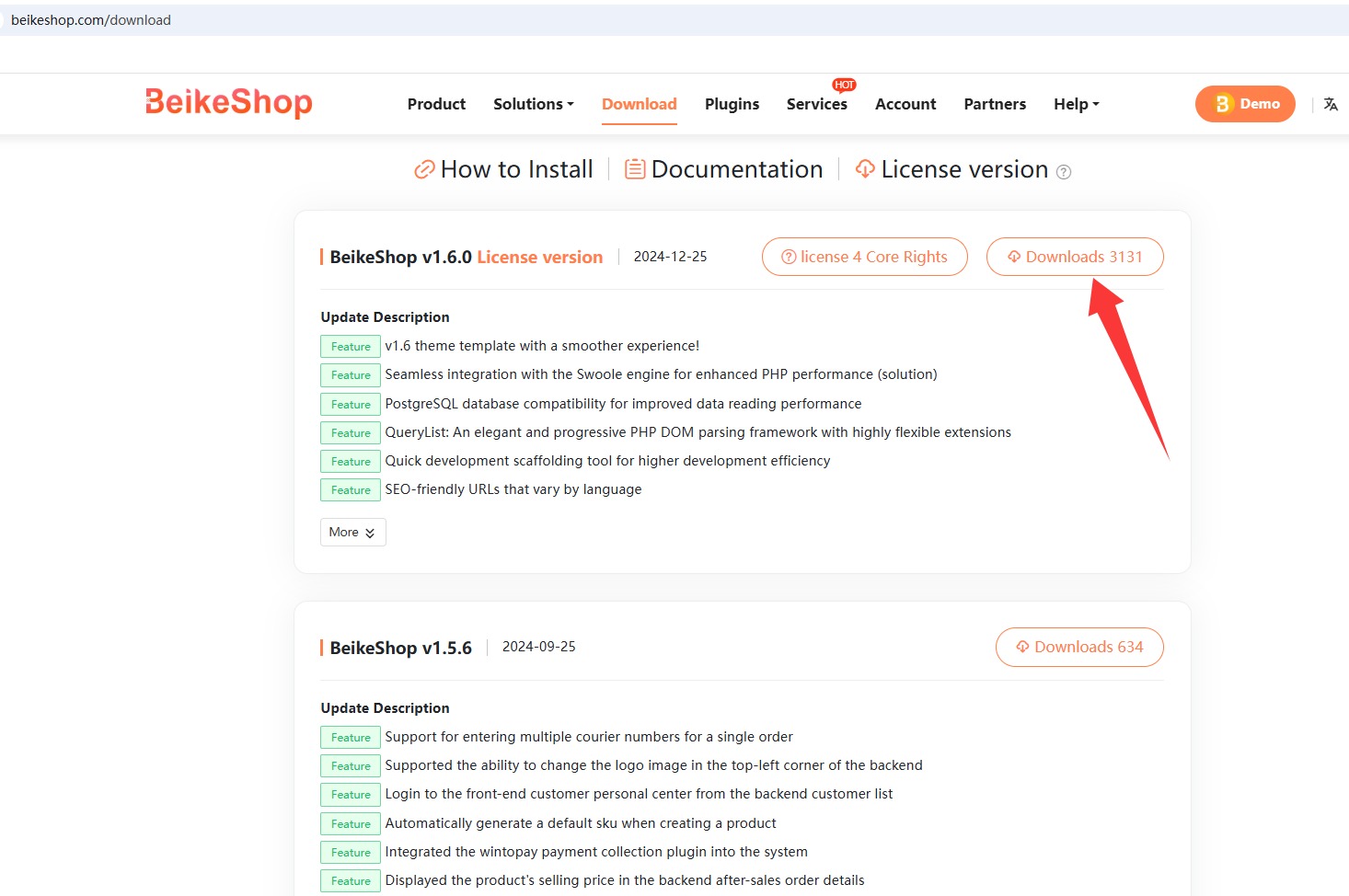
2.Download the latest version and overwrite it to the root directory of the website (the original .env file must be retained)!
3.Note: Before installation, be sure to back up the database and website files to prevent the upgrade from failing and being unable to recover!
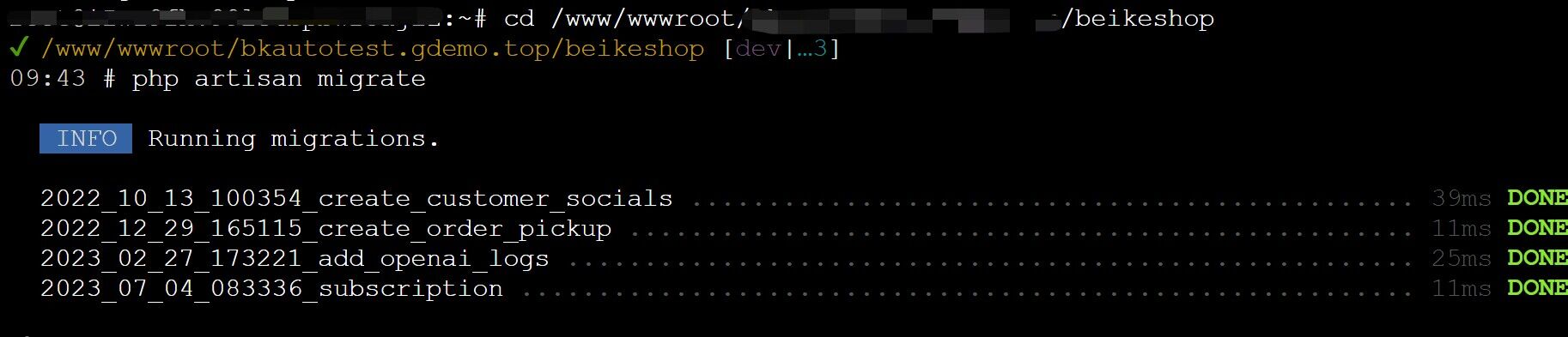
4.Then run in the root directory of your websitephp artisan migrate

For developers
1.Run in the server-side website root directorygit pull

2.Then execute composer install

3.Run npm run prod
4.Finally execute php artisan migrate
# Upgrade Operation Specification
- Non-Developer Mode: Download the latest full package, decompress and overwrite it to the root directory. Do not delete or overwrite the
**.env**file. After overwriting, you must runphp artisan migratein the terminal. - Developer Mode: Use
git pullto update the code, then executecomposer installandnpm run prod, and finally synchronize the database migration.
# Composer Self-Update Operation
When upgrading the environment or resolving plugin dependency conflicts, you can run:
composer self-update
Special Note for Windows Users: If you encounter a platform restriction error, please use the following parameters:
composer self-update --ignore-platform-reqs