# How to Change the Authorized Domain?
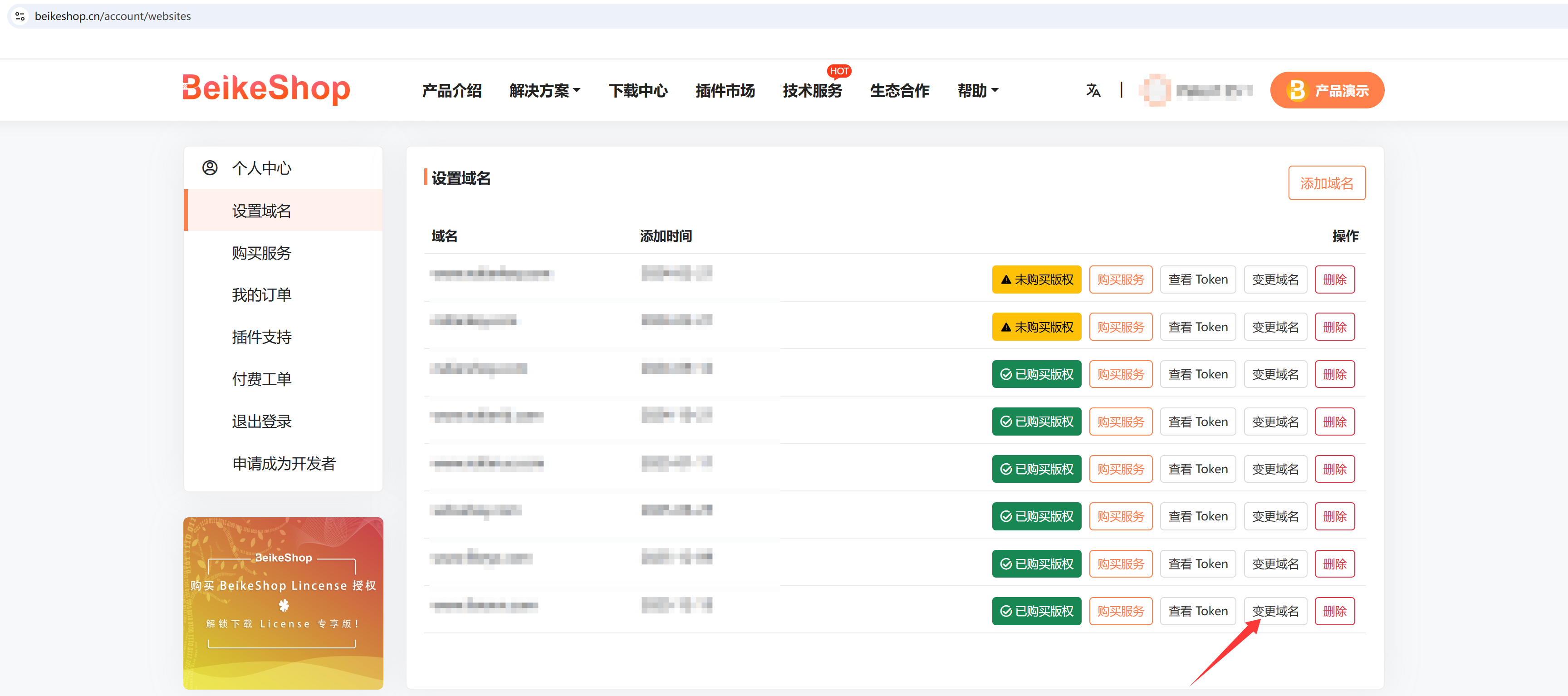
To allow users to purchase License authorization with confidence during the development and testing phases, BeikeShop has launched a new policy! —— You can modify the domain name once within 6 months after purchasing the License! Detailed Instructions: Within 6 months after purchasing the License, users are entitled to one free domain name modification (only one modification is allowed for a lifetime). You can find the "Change Domain" button in "User Center - Set Domain Name". Eligible users can click it to change the domain name once. After the modification, the system will automatically transfer all plugins purchased under the original domain name to the new one. This function only applies to domain name modification under the same user account and does not support cross-user domain name changes. Any unauthorized resale of Licenses will be dealt with severely once detected! If you are not sure about the final domain name when purchasing the License, you can complete the purchase first and then modify the domain name within 6 months, making your choice more flexible.
Detailed Steps:
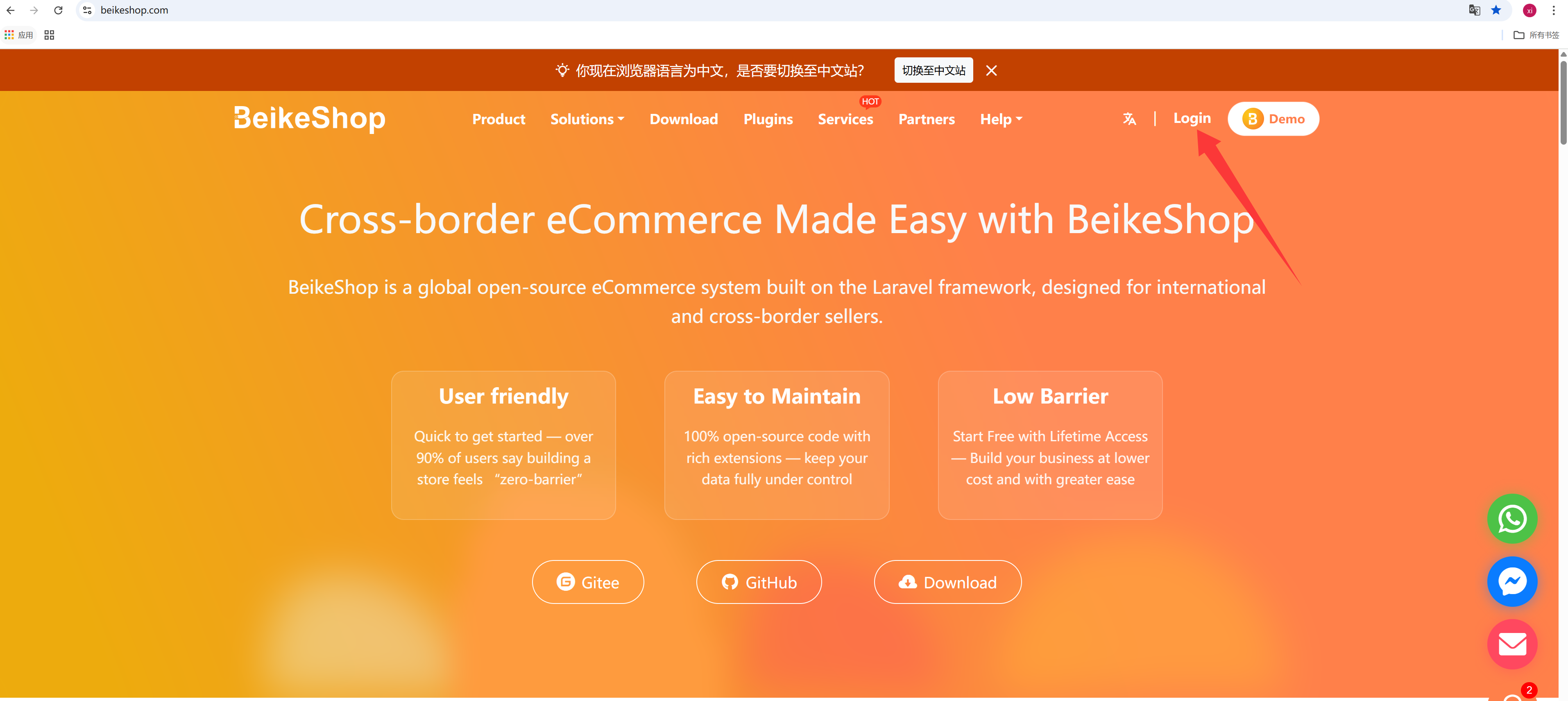
Log in to your BeikeShop official website account and navigate to the "Domain" page.
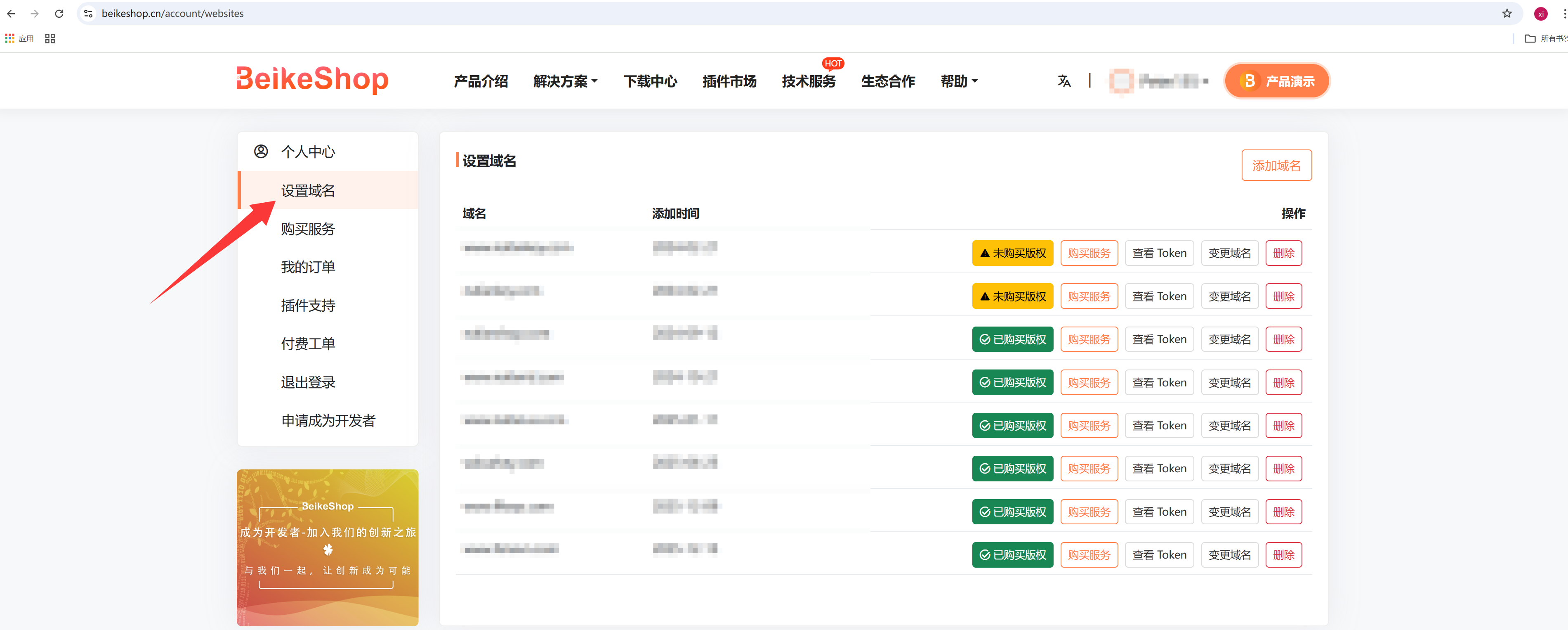
Select the domain name for which you want to change the authorization, and click the "Change Domain" button directly.
Enter the new domain name in the pop-up window and click the "Submit" button.
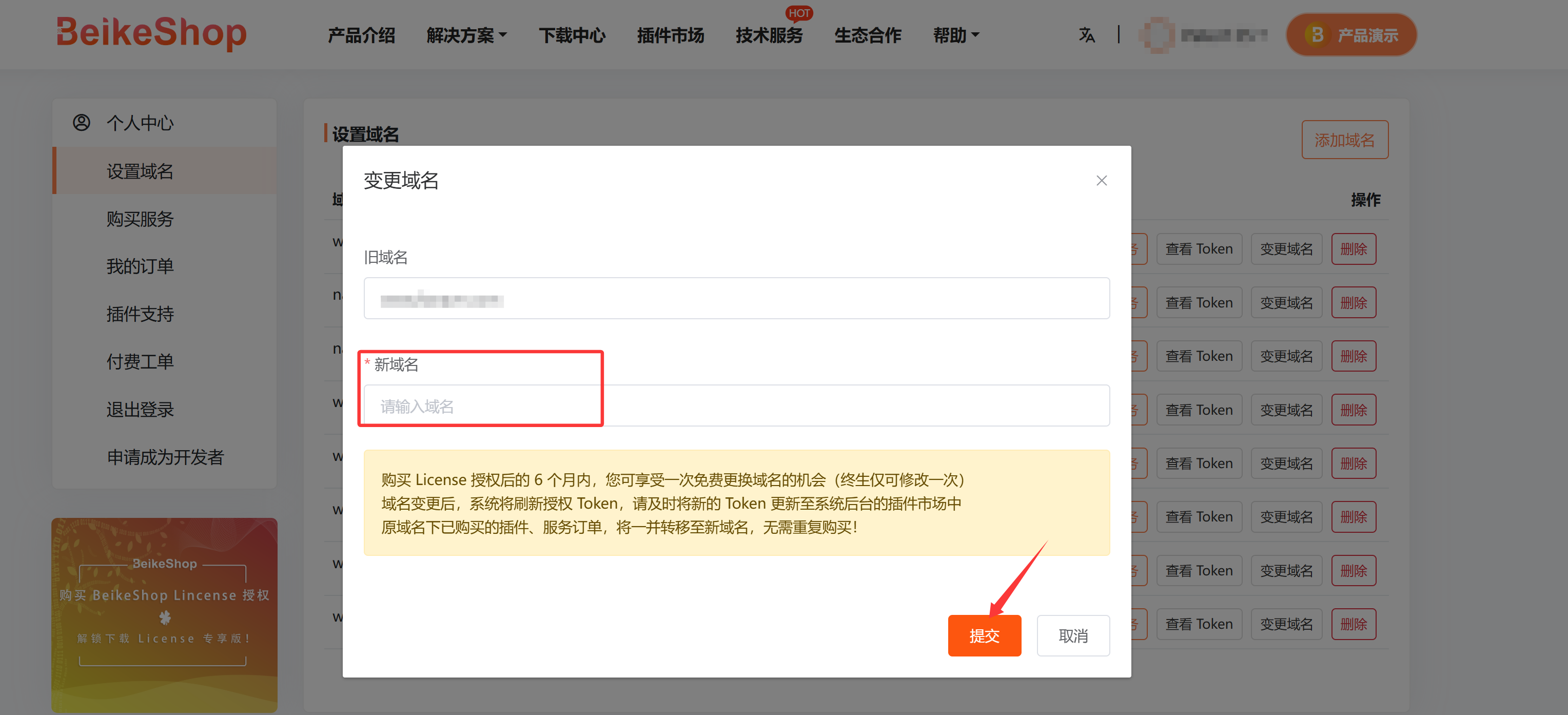
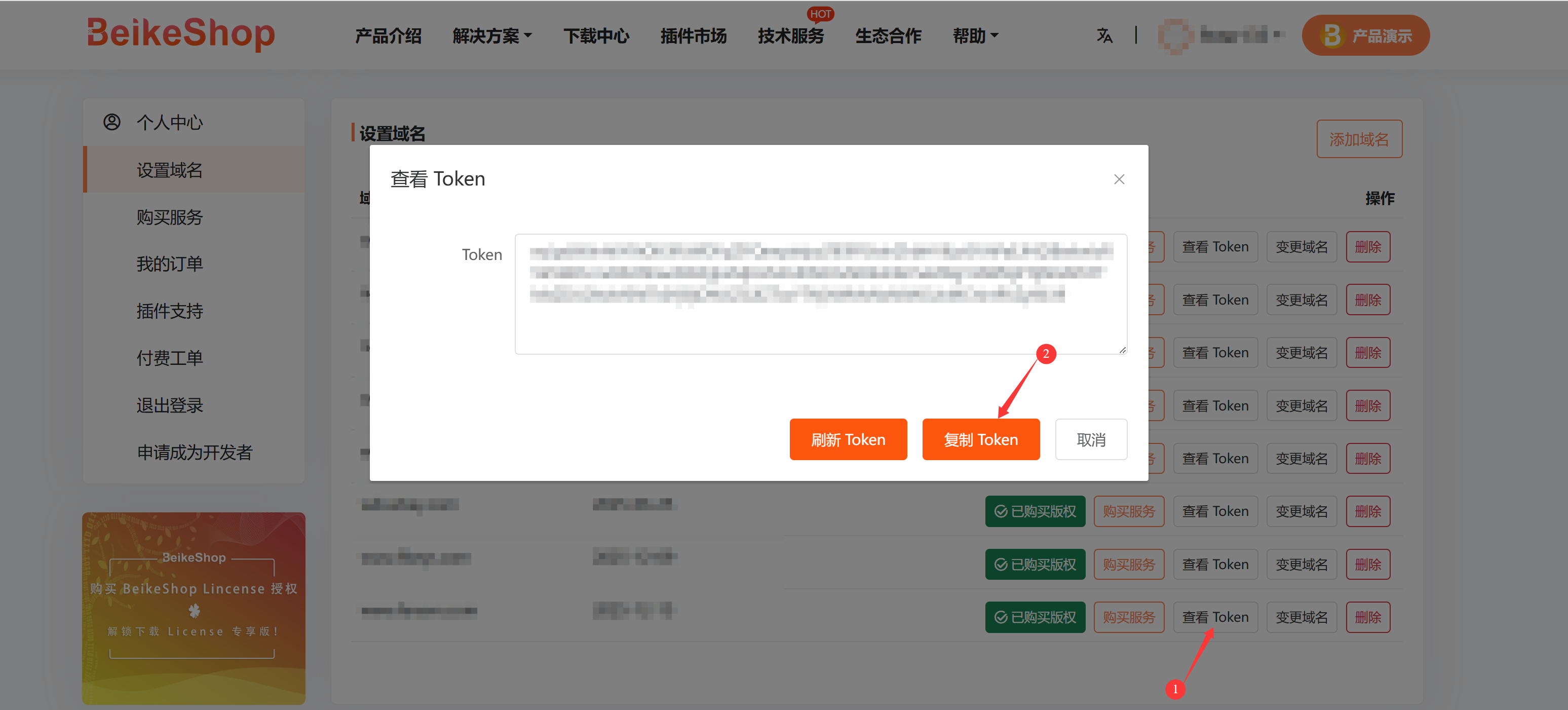
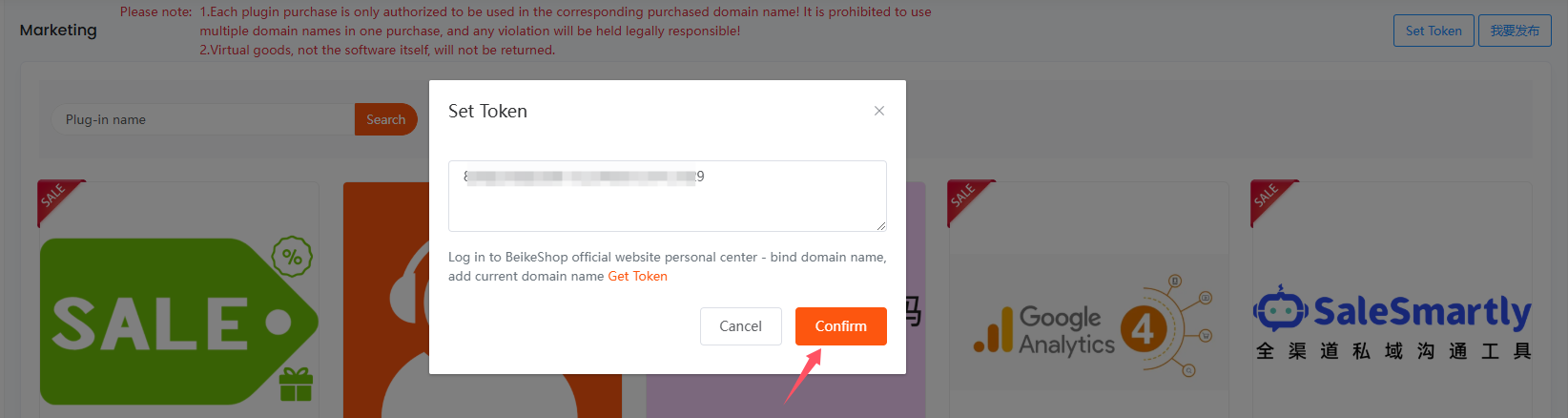
Note: After the domain name is changed, the system will refresh the authorization Token. You need to update the new Token to the plugin market in the system backend.
Click "Token", copy the Token to the Market Token field in the plugin market of your website backend, and then click Confirm.