# How to Modify the Footer Copyright?
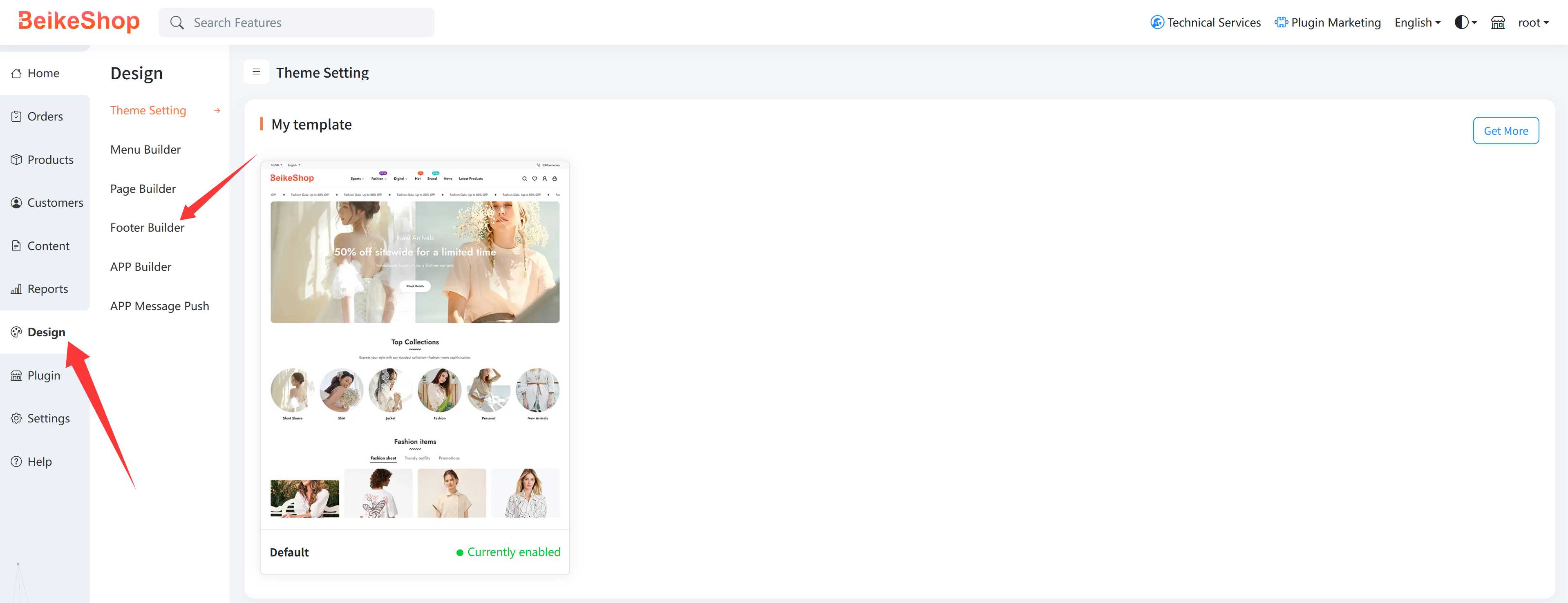
Log in to the website admin backend, then click Design > Footer Builder in sequence.
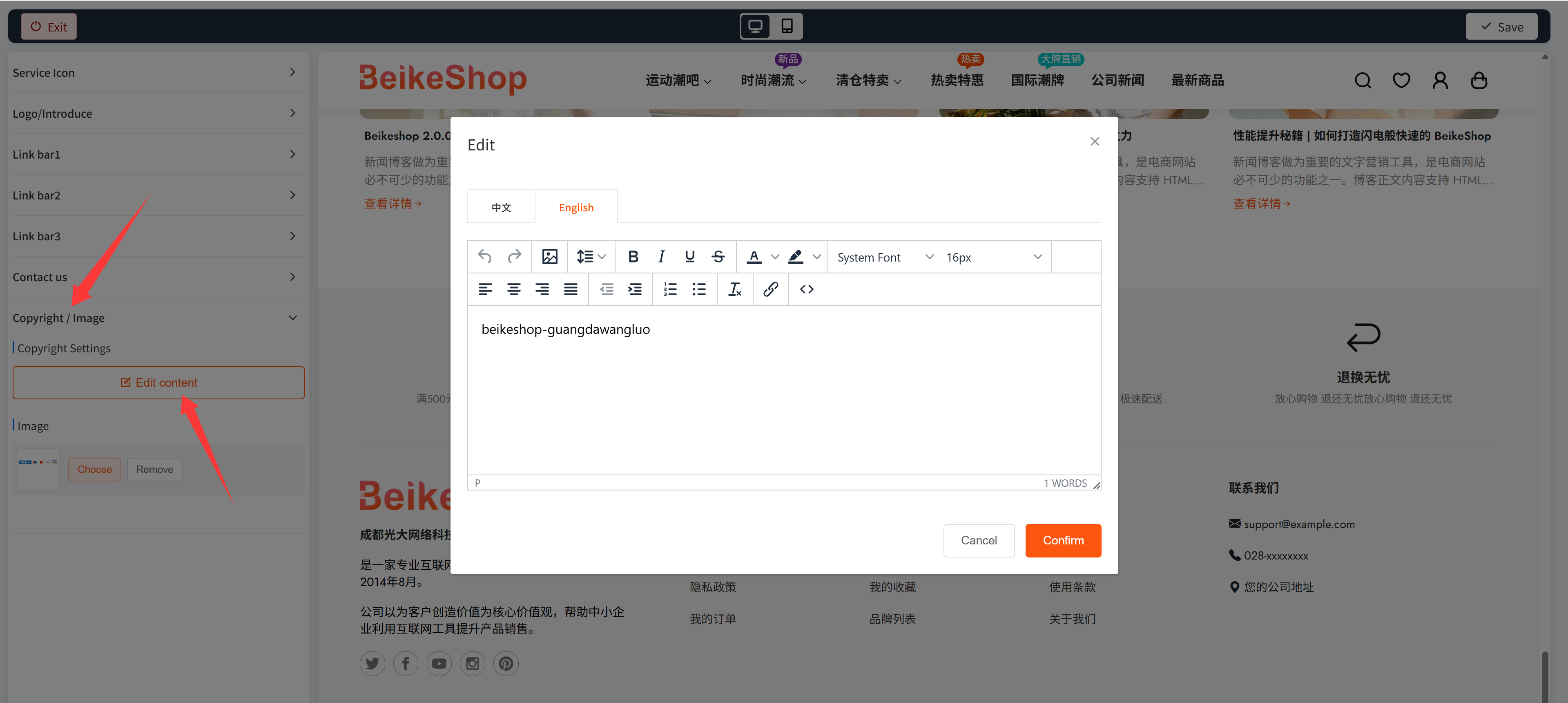
On the Footer Builde page, locate Copyright/Images > Copyright Settings, click "Edit Content", and fill in the copyright information. (If multiple languages are installed on the website, you need to fill in the corresponding copyright content for each language separately.)
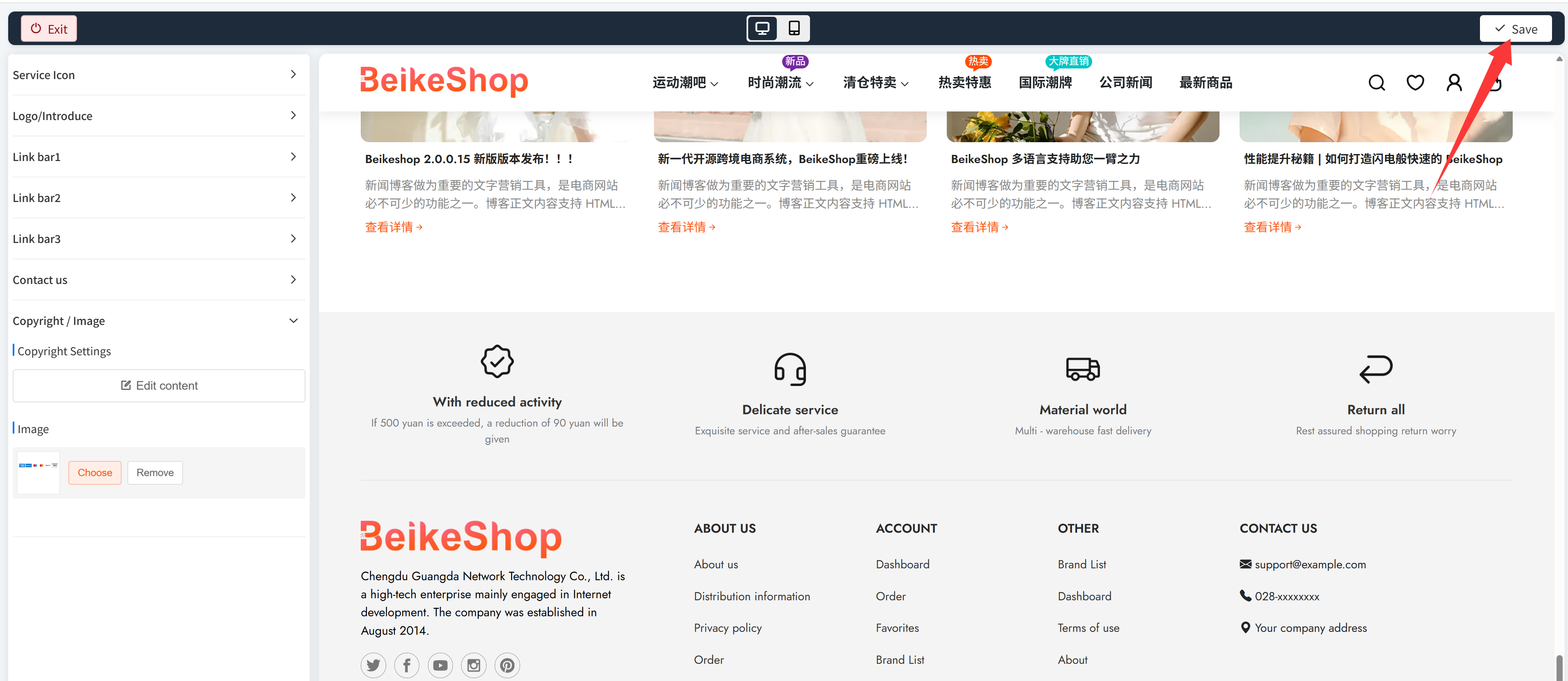
After filling in the information, click the "Confirm" button to save the current edited content, and then click the "Save" button in the upper right corner of the page.
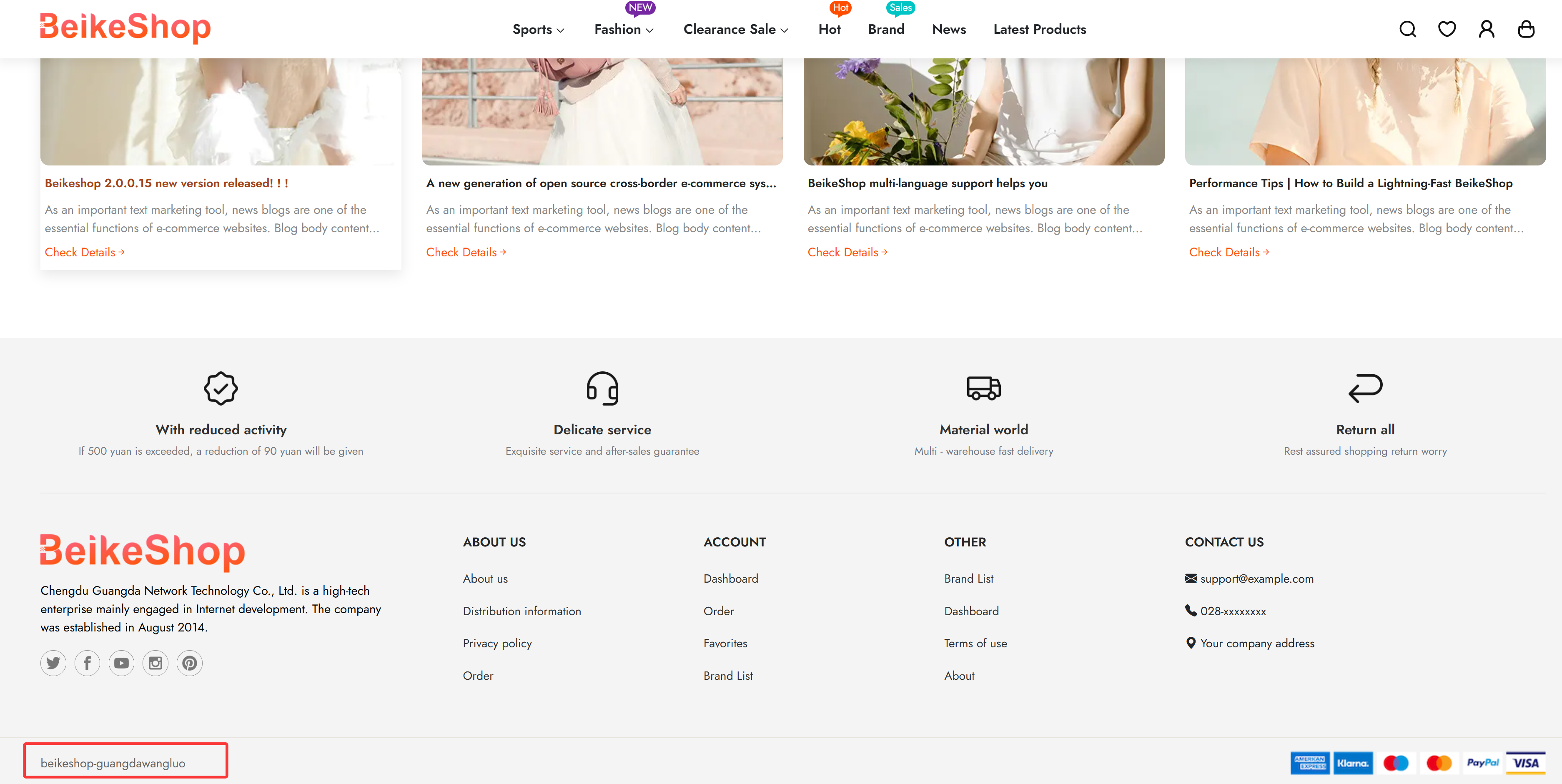
Frontend copyright display:
Backend copyright display:
Note: The backend copyright information will be updated synchronously after modification only for versions 2.0 and later. 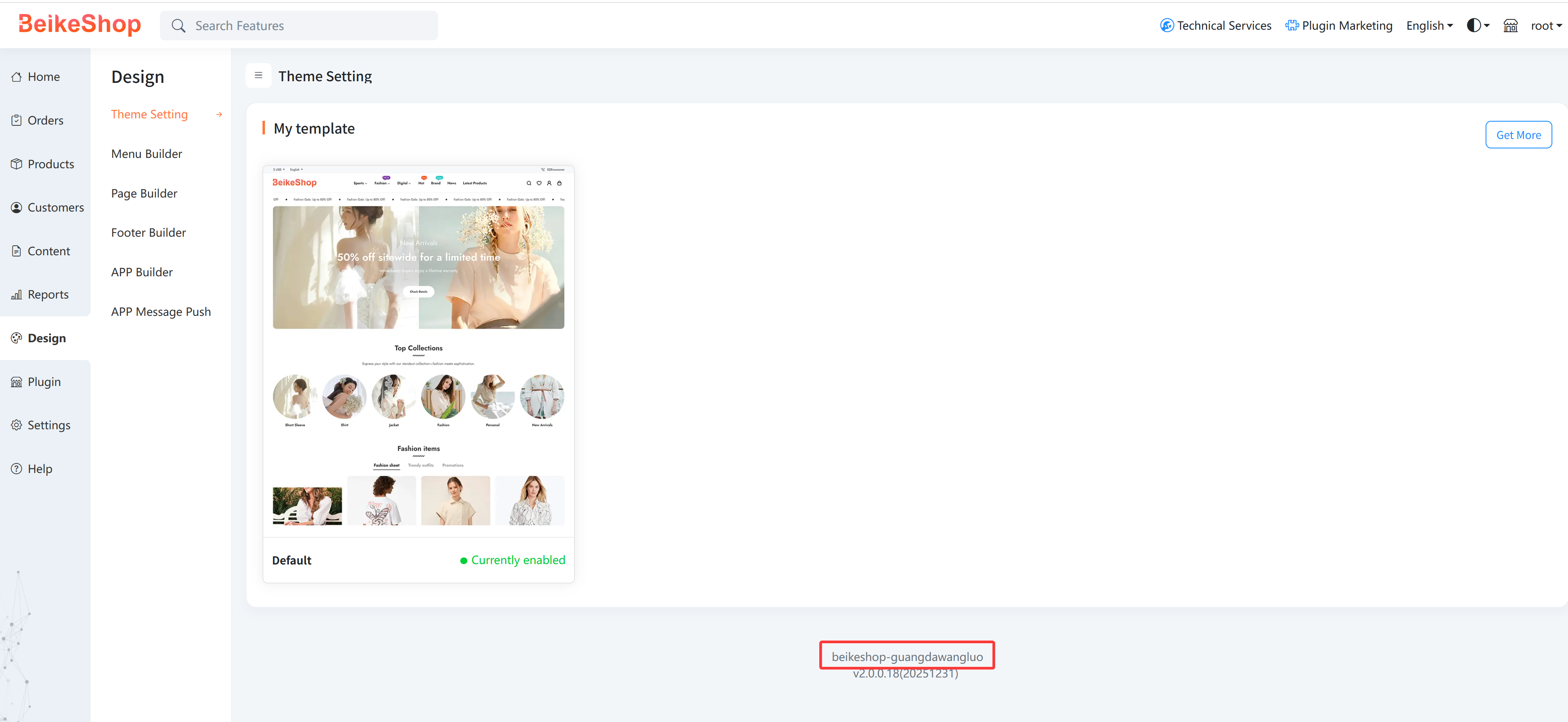
← Caching Features FAQ →